My latest project: to give Celindo Tour, Indonesia a face lift 😉
Update: The project is finally completed. It takes longer than I expected. *phew
Before


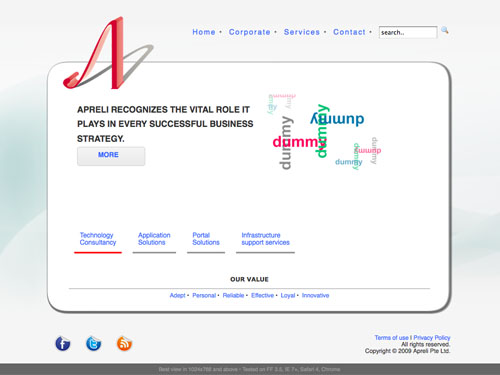
After
You can go to Celindo Tour website.
My latest project: to give Celindo Tour, Indonesia a face lift 😉
Update: The project is finally completed. It takes longer than I expected. *phew
Before
After
You can go to Celindo Tour website.
On my previous tutorial, I’m using the Facebook OAuth button to ask users permission. However, based on Facebook documentation that button combines the login process and authentication in the same time. Therefore the label of the button is “Log In”.
(*grumble: why they don’t create a passing parameter to let us change the button label? )
There is an alternative way to do this. Do it manually!
After a few test by following their documentation, here how do it (click to download).
Hi, this is my first time writing a tutorial, and it’s about how to create a Facebook app for a Facebook page. I know that there is an extensive resource about creating app and there are many ways of creating it.
However, there is hardly working example that I can learn from. You can say I’m a lazy programmer who wants to learn from a clear cut working example rather than exploring the library one by one. So, I decided to write this tutorial. I will do my best to make it as clear as possible and put all references for you to make it easier.
Requirements:
1. Facebook Developer Account.
2. Basic knowledge of PHP, HTML and Javascript.
3. Web hosting, to put all your file.
4. (optional) Facebook Page, if you want to tie your app into a page.
It depends on your needs. In this tutorial, I will enable both.
A. Creating Facebook App
1. Go to Facebook Developer
2. Click on “Apps” on the top right corner near your id.

3. Locate “+ Create New App” below your photo.
4. Define your App Name and App Namespace
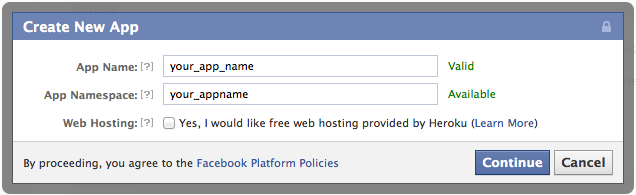
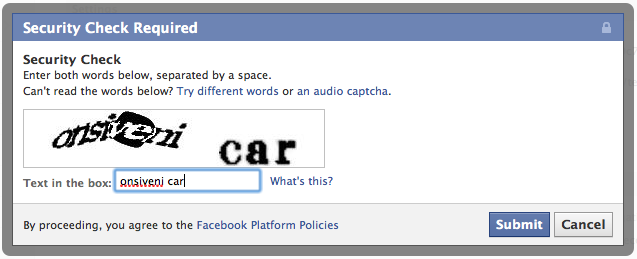
5. After entering the captcha, you will be brought to a basic app setting page.
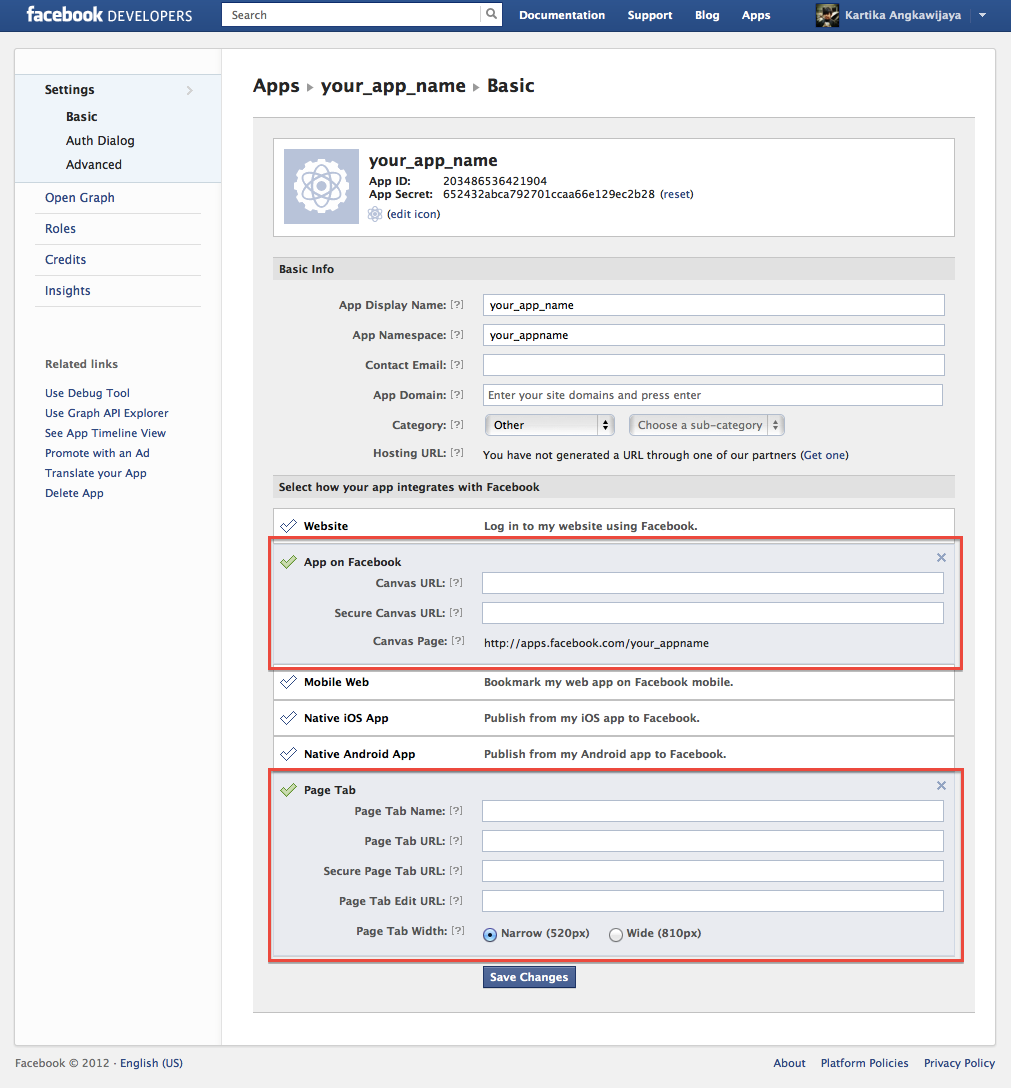
6. Scroll down and click on “App on Facebook” and “Page Tab” and fill in the details.

B. Building the app
The work flow that I want for my app are:
In more detailed flow, I can describe it as:
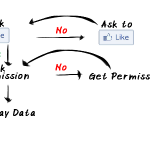
In simple, I can draw it into a work flow:

Therefore, I will need these file:
Finally, to see the working example, you can go to my page.
Note: you may need to add exception, since I don’t have a valid HTTPS setup


To download the complete file, you can get it from this link.
My homework is to find out how to work these issues out: