Hi, this is my first time writing a tutorial, and it’s about how to create a Facebook app for a Facebook page. I know that there is an extensive resource about creating app and there are many ways of creating it.
However, there is hardly working example that I can learn from. You can say I’m a lazy programmer who wants to learn from a clear cut working example rather than exploring the library one by one. So, I decided to write this tutorial. I will do my best to make it as clear as possible and put all references for you to make it easier.
Requirements:
1. Facebook Developer Account.
- Refer to Facebook documentation for information on activating your developer account.
2. Basic knowledge of PHP, HTML and Javascript.
3. Web hosting, to put all your file.
- You can try to explore Heroku, it’s a cloud hosting Facebook partner. But in this tutorial, I will use my own hosting.
4. (optional) Facebook Page, if you want to tie your app into a page.
- Basically there are 2 ways you can have your app runs in Facebook platform:
- as Page tab, i.e. https://www.facebook.com/your_page/app_YourAppIdNumber
- as Facebook app, i.e. http://apps.facebook.com/YourAppName
It depends on your needs. In this tutorial, I will enable both.
A. Creating Facebook App
1. Go to Facebook Developer
2. Click on “Apps” on the top right corner near your id.

3. Locate “+ Create New App” below your photo.
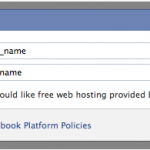
4. Define your App Name and App Namespace
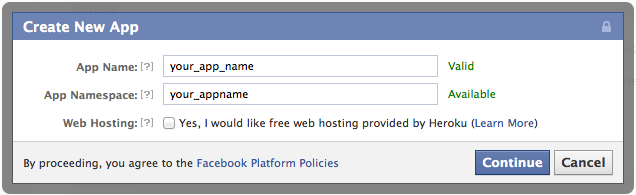
- Fill these with: App Name = your_app_name, App Namespace = your_appname
- Your App Namespace will reflect on your Facebook app address (http://apps.facebook.com/YourAppName)
- I know the app name should be more representable, but just an example 🙂
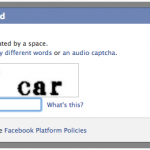
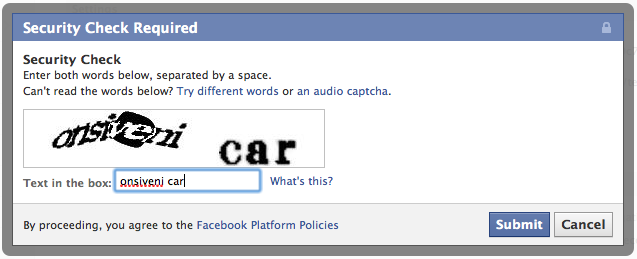
5. After entering the captcha, you will be brought to a basic app setting page.
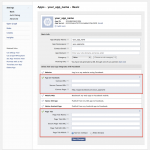
6. Scroll down and click on “App on Facebook” and “Page Tab” and fill in the details.
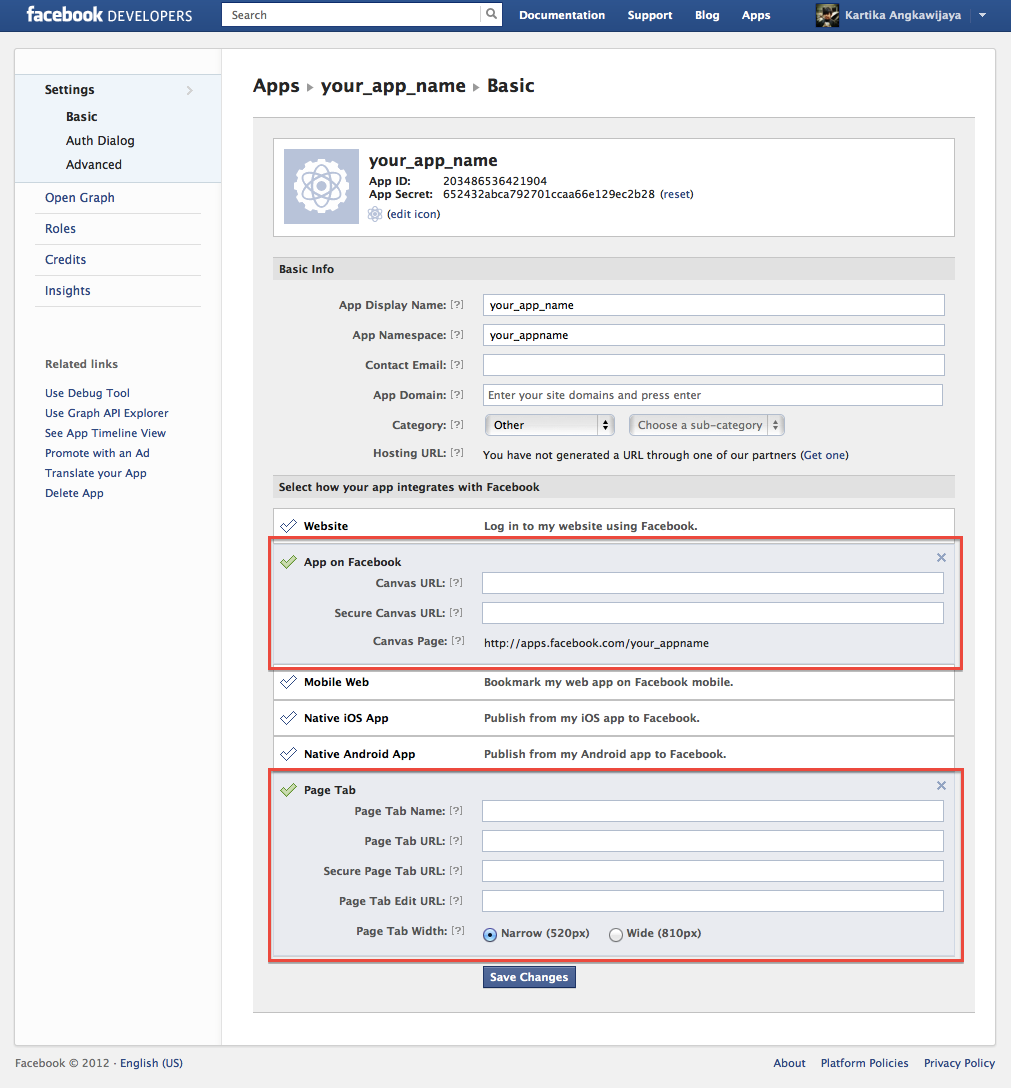
- Fill in these for “App on Facebook”
- Canvas URL = address/folder on your hosting site, i.e. http://www.kartika9.com/testing/yourappname/
- Secure Canvas URL = secure address/folder on your hosting site, refers to the same folder but use HTTPS, i.e. https://www.kartika9.com/~kartikan/testing/yourappname/
- Note: You will see that Facebook has assigned an app address using your defined App Namespace earlier. You also need to know how to enable the HTTPS for your web hosting.
- Fill in these for “Page Tab”
- Page Tab Name = yourappname
- Page Tab URL = the landing page when they visited the address, i.e. http://www.kartika9.com/testing/yourappname/tab.php
- Secure Page Tab URL = the secure address, i.e. https://www.kartika9.com/~kartikan/testing/yourappname/tab.php
- (optional) Page Tab Width = you can select wide canvas (810px) or narrow canvas (520px) for your app. I leave it to default narrow canvas.
- Note: To add your app into your page tab, you need to type this: https://www.facebook.com/dialog/pagetab?app_id=YOUR_APP_ID&next=YOUR_URL . Your URL should refer to the same hosting address you mentioned in point no 2 and 3. Otherwise it will generate an error saying that the app doesn’t own the domain.

B. Building the app
The work flow that I want for my app are:
- The users have to like my page.
- The users have to authorize my app to access their data.
- My app will display the basic user data, if those conditions met.
In more detailed flow, I can describe it as:
- When users go to the app page, i.e. https://www.facebook.com/your_page/app_YourAppIdNumber, file tab.php will check if users have liked the page.
- If users have not liked the page, it will lead to notab.html, which will ask the users to like the page. After the users liked the page, it will redirect user to the app page (first point).
- If users have liked the page, it will check whether users has granted permission to access their data.
- If users have not granted permission, it will display “Log In” button, which if they pressed it, the access permission will pop up. Otherwise, the data will be displayed on the form.
In simple, I can draw it into a work flow:

Therefore, I will need these file:
- Facebook PHP SDK, refer to this link on how to obtain it.
- Create 3 files:
- tab.php
- notab.html
- index.html
- Add 1 more file:
- form.php: to post process the form input
Finally, to see the working example, you can go to my page.
Note: you may need to add exception, since I don’t have a valid HTTPS setup
To download the complete file, you can get it from this link.
My homework is to find out how to work these issues out:
- Share button works inside iFrame. I hope there is a work around otherwise I’ll need to wait for Facebook to fix this.
- Assign correct value to Open Graph meta tag, so when Share button is clicked, it will display correct value.